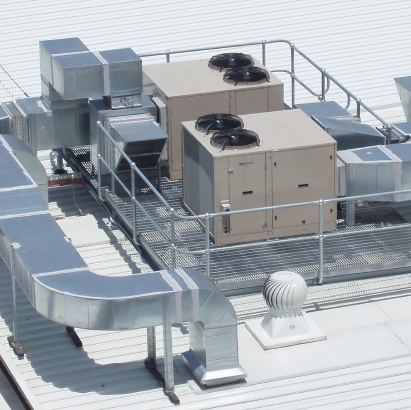
Explore our advanced solutions for HVAC, Mechanical, Electrical, and Automation design. Get in touch today

Machine Design & Engineering

From concept to fabrication — complex machinery, custom automation, and shop floor-ready assembly documentation.

Specialized Engineering Services

Custom Industrial Machinery

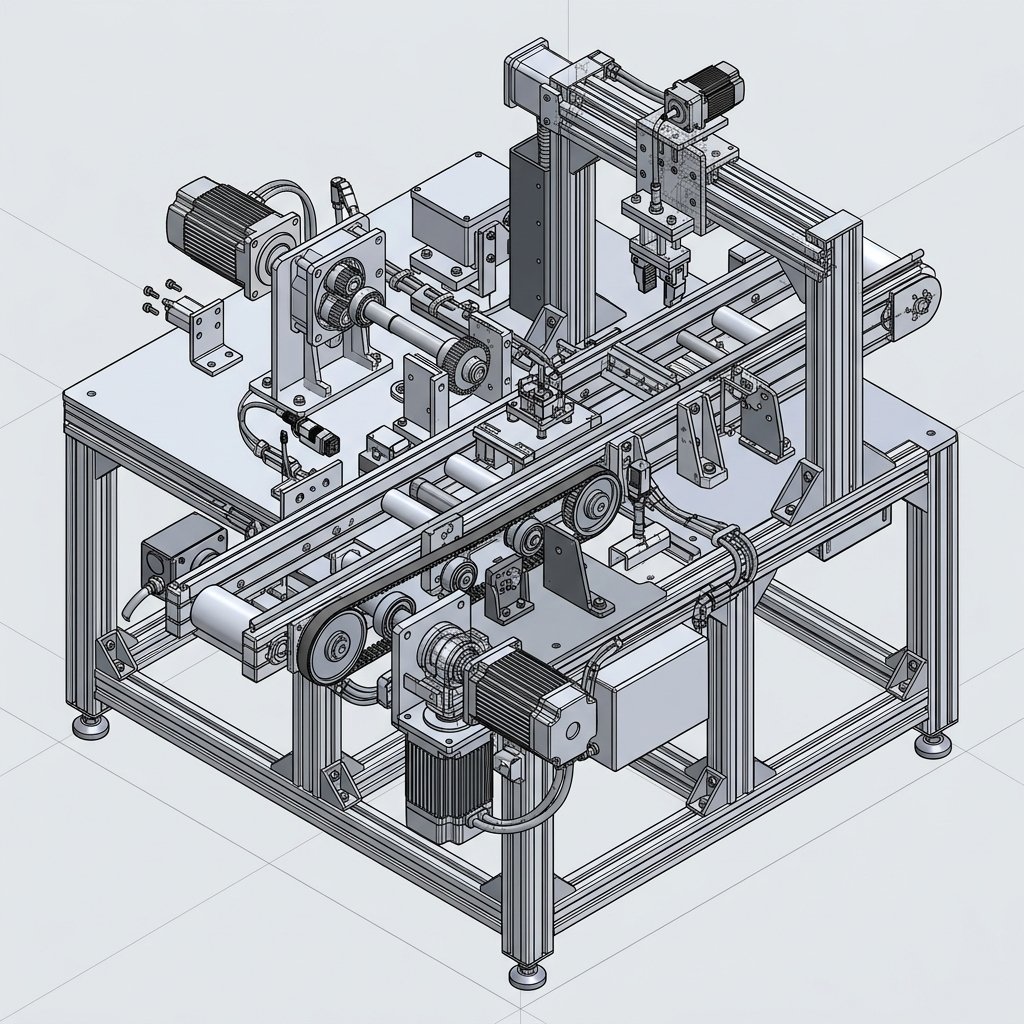
Asset-Eyes designs custom industrial machinery and automation equipment from initial concept through shop-floor-ready documentation. Our engineers handle the full mechanical scope — kinematic simulation, motor and actuator sizing, structural frame design, and integration with sensors and controls — so what reaches your fabrication team is buildable on the first pass, not a design that needs rework once it hits the floor.

Each project is engineered around how the machine will actually be assembled and maintained, not just how it looks in a 3D model. That focus on real-world manufacturability is what separates a usable drawing package from one that only works in the CAD environment.
Mechanism Design & Kinematic Validation
Asset-Eyes validates every moving mechanism in simulation before it reaches fabrication, checking motion paths, clearances, and cycle behavior under real operating loads. This catches interference and reach problems on-screen instead of on the shop floor, where a fix costs far more in time and rework.
Motor, Gearbox & Actuator Sizing
Asset-Eyes sizes every motor, gearbox, and actuator on a machine using calculated load, torque, and speed requirements, rather than vendor defaults or rough estimates. This right-sizing keeps the machine running reliably at its rated duty cycle without being over-built or under-powered.
Sensor & Controls Integration
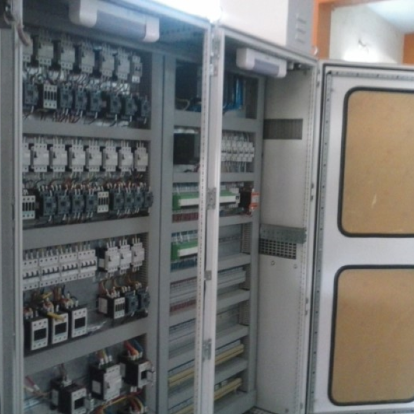
Asset-Eyes designs mechanical components with their sensors, wiring paths, and control interfaces built in from the start, rather than added on afterward. This approach keeps electrical and automation teams working from a design that already accounts for their space and mounting needs.
Built for the Shop Floor
Asset-Eyes engineers every custom machine with fabrication and assembly in mind, including weldment and base designs a shop can actually build and align. The goal is a design that performs the same on the production floor as it did in the CAD model.
Custom Industrial Machinery

Concept-to-Fabrication Packages

Asset-Eyes turns a design concept into a complete, shop-ready documentation package — 3D models, dimensioned drawings, and a bill of materials a fabricator can actually build from without back-and-forth. Every package is built so it can move from CAD straight to the shop floor, cutting the clarification cycles that usually eat into a fabrication timeline.

Part & Assembly Model Libraries
Asset-Eyes builds organized, reusable libraries of part and assembly models rather than one-off files that need to be rebuilt for the next project. This keeps design history intact and makes future revisions or variants faster to produce.
Fully Dimensioned Fabrication Drawings
Asset-Eyes produces complete 2D manufacturing drawings with every dimension, tolerance, and note a fabricator needs to build the part correctly the first time. No dimension is left implied or assumed from the 3D model alone.
Bill of Materials (BOM) Generation
Asset-Eyes generates BOMs down to the hardware level — fasteners, off-the-shelf components, and raw materials — so procurement can quote and order without hunting for missing line items.
Drawing Package Standardization & Revision Control
Asset-Eyes maintains consistent drawing standards and clear revision tracking across a full package, so every sheet stays aligned as a design changes. This prevents outdated drawings from reaching the shop floor by mistake.
Concept-to-Fabrication Packages

Structural Frame & Sheet Metal Design

Asset-Eyes designs the structural frames, weldments, and sheet metal enclosures that support and house industrial machinery. These structures are engineered to carry real operating loads while staying practical to weld, form, and assemble in a standard fabrication shop.

Frame & Weldment Design
Asset-Eyes designs structural frames and weldments sized to the actual loads a machine will carry in operation, not generic stock sizing. Weld joints and access points are laid out with the welder's process in mind.
Sheet Metal Detailing & Unfolding
Asset-Eyes details sheet metal enclosures and panels with accurate flat-pattern unfolding, bend allowances, and gauge selection built into the drawing. This keeps the fabricated part matching the design intent after forming.
Base & Mounting Design
Asset-Eyes designs equipment bases and mounting structures for stability and correct alignment under vibration and dynamic load, not just static weight support.
Load Path & Structural Analysis
Asset-Eyes reviews how load travels through a frame or structure before it's finalized, checking for weak points or unnecessary material. This keeps the structure strong without being over-built.
Structural Frame & Sheet Metal Design

Tolerance Stack-Up & GD&T Analysis

Asset-Eyes applies Geometric Dimensioning and Tolerancing (GD&T) per ASME Y14.5 and runs tolerance stack-up analysis to confirm that parts will actually fit and function together across a full assembly — not just individually. This step catches fit and clearance problems before they turn into rework on the assembly line.

GD&T per ASME Y14.5
Asset-Eyes applies GD&T callouts following the ASME Y14.5 standard, giving fabricators and inspectors a single, unambiguous reference for how a part must be measured and accepted.
Tolerance Stack-Up Analysis
Asset-Eyes calculates how individual part tolerances combine across an assembly, identifying where accumulated variation could cause a fit or clearance failure before parts are ever cut.
Fit & Function Verification
Asset-Eyes verifies that toleranced parts will fit and function correctly together under worst-case dimensional conditions, not just under nominal, ideal dimensions.
Manufacturing-Ready Tolerancing
Asset-Eyes sets tolerances that match what a chosen manufacturing process can actually hold, avoiding call-outs that are tighter — and more expensive — than the application requires.
Tolerance Stack-Up & GD&T Analysis

Reverse Engineering & Legacy Components

Asset-Eyes reverse engineers physical parts and legacy equipment into accurate, usable CAD models and drawings when original documentation is missing, outdated, or lost. This gives manufacturers a current, editable design record for equipment that predates any digital file.

Physical-to-CAD Reverse Engineering
Asset-Eyes measures and models existing physical parts to produce accurate CAD files, recreating geometry that was never digitally documented in the first place.
Legacy Drawing Reconstruction
Asset-Eyes rebuilds and updates legacy drawings that are incomplete, damaged, or in outdated formats, bringing them up to a current, usable standard.
Obsolete Part Replacement Design
Asset-Eyes designs replacement parts for obsolete or discontinued components, matching original fit and function so existing equipment can keep running.
Undocumented Equipment Support
Asset-Eyes builds a complete design record for equipment that was never fully documented, giving a manufacturer a reliable reference for future repairs, modifications, or replacement parts.
Reverse Engineering & Legacy Components

Material Selection & DFMA

Asset-Eyes selects materials based on load, environment, and cost, and applies Design for Manufacturing and Assembly (DFMA) principles to keep designs practical to produce. This reduces fabrication cost and assembly time without compromising how the part performs in service.

Material Selection for Load & Environment
Asset-Eyes selects materials based on the specific loads, temperatures, and environmental exposure a part will face in service, rather than defaulting to whatever is most common.
Design for Manufacturing (DFM)
Asset-Eyes designs parts to match the realistic capabilities of the chosen manufacturing process, avoiding features that are difficult or costly to produce.
Design for Assembly (DFA)
Asset-Eyes designs assemblies to minimize part count, fastener types, and assembly steps, making the final build faster and less error-prone on the line.
Cost & Lead-Time-Driven Design Choices
Asset-Eyes weighs material and process choices against cost and lead time during the design phase itself, rather than leaving those tradeoffs to be discovered during fabrication.
Material Selection & DFMA
Engineering Tools

Machine Design Engineered To Perform

Automation machine design is exclusively a 3D process at Asset-Eyes. We utilize industry-leading CAD environments to guarantee compatibility and seamless translation to the factory floor.

3D CAD Machine Model
1

SOLIDWORKS

SOLIDWORKS is used to develop mechatronics systems from beginning to end. At the initial stage, the software is used for planning, visual ideation, modeling, feasibility assessment, prototyping, and project management. The 3D modeling software is then used for design and building of mechanical, electrical, and software elements.

2

AutoCAD

AutoCAD is our primary design tool for controls engineering (electrical, fluid power) and the latest software versions are always utilized. We use the AutoCAD Electrical Toolset for the creation of controls drawings. The use of AutoCAD Electrical Toolset improves efficiency, reduces errors, and essentially creates a smart design package.

3

Additional Software Competence

For manufacturers standardizing on alternative platforms, our team maintains full functional design workflows in Autodesk Inventor and PTC Creo Parametric, ensuring full design history, parametric constraints, and drawing format compliance.

Resources

Looking for innovative and reliable engineering solutions? We can help.

We provide value-driven services & client-focused solutions.