Explore our advanced solutions for HVAC, Mechanical, Electrical, and Automation design. Get in touch today

Jigs & Fixtures

Precision tooling design maximizing manufacturing repeatability through 3-2-1 constraints and poke-yoke layouts.

Specialized Engineering Services

Locating, Clamping & Mistake-Proofing

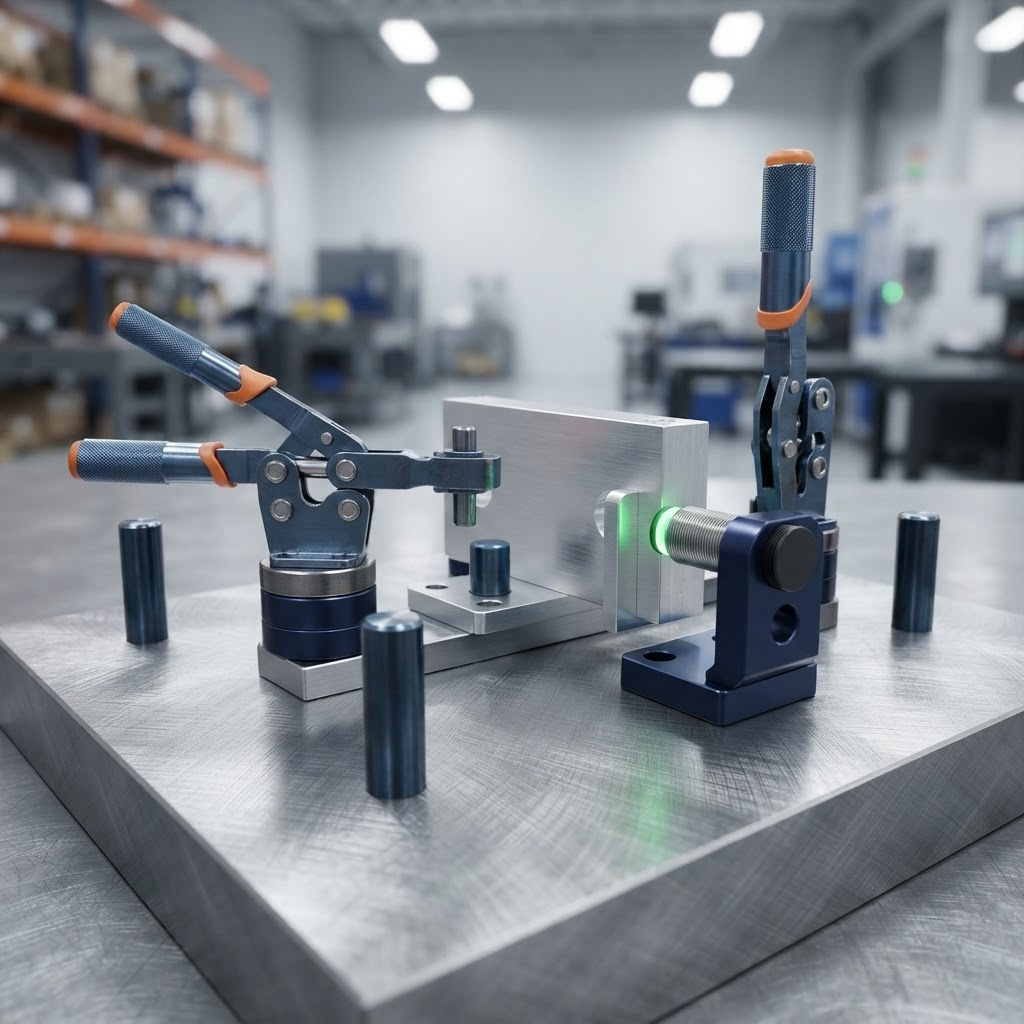
Locating, clamping, and mistake-proofing form the core functional design of a jig or fixture — controlling how a part is positioned, held, and protected against incorrect setup. Asset-Eyes designs these three elements together so a fixture consistently locates parts correctly and prevents operator error before it happens.
3-2-1 Locating System Design
Asset-Eyes designs 3-2-1 locating systems for precise part positioning, controlling all six degrees of freedom. This locating method establishes a repeatable, constrained position for the part every time it's loaded into the fixture. Asset-Eyes applies this system as the geometric foundation for the rest of the fixture design.
Clamping System Selection and Integration
Asset-Eyes selects and integrates clamping systems using manual, pneumatic, and hydraulic actuation methods. Clamping method is chosen based on the part's holding requirements and the production environment's cycle time and force needs. Asset-Eyes integrates the selected clamping system directly with the fixture's locating scheme.
Poka-Yoke and Mistake-Proofing Design
Asset-Eyes applies poka-yoke verification methodology to validate correct machine and fixture operation, implemented through mistake-proofing design features such as asymmetric locating features, profile nests, interference blocks, and part verification provisions. These features make it physically difficult or impossible to load a part incorrectly. Asset-Eyes builds this mistake-proofing directly into the fixture's locating and clamping design rather than relying on operator training alone.
Locating, Clamping & Mistake-Proofing

Modular Fixturing, Ergonomics & Documentation

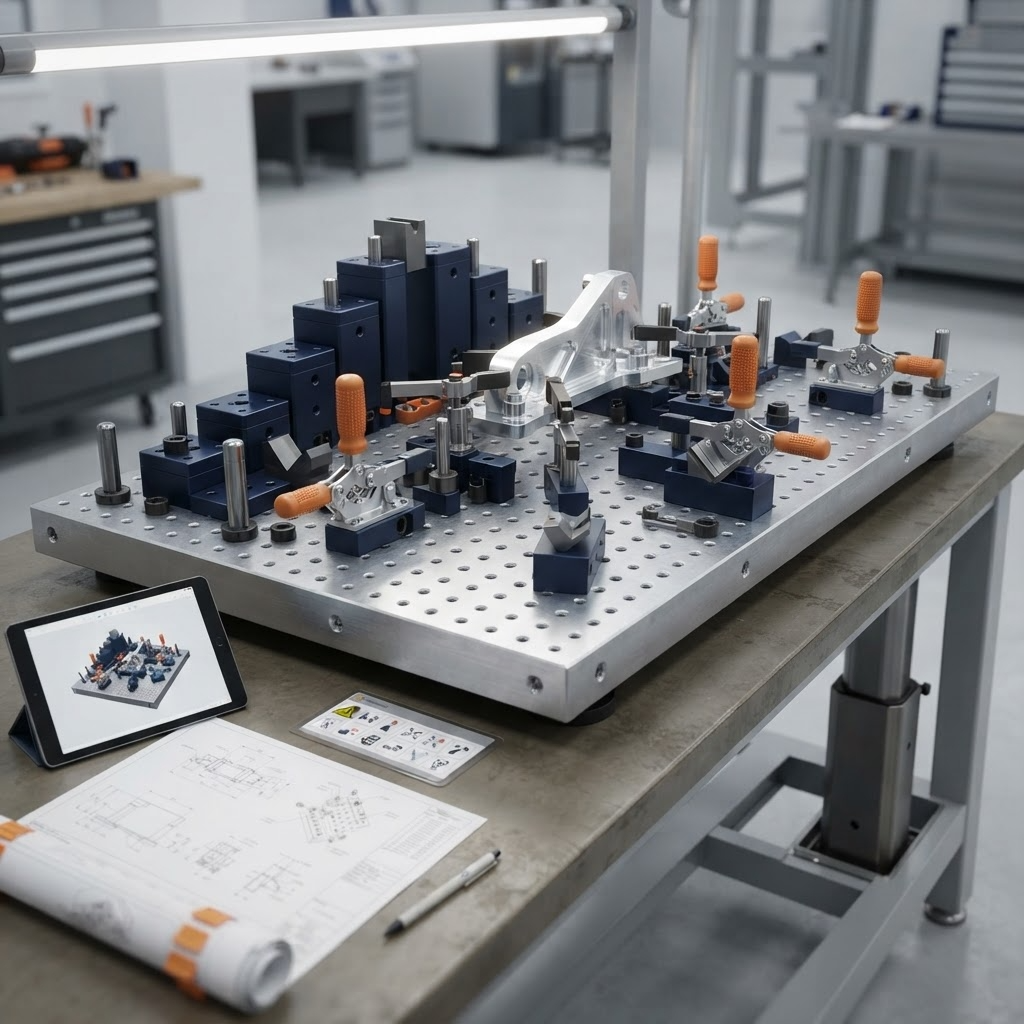
Modular fixturing, ergonomics, and documentation cover how a fixture is built for reuse, how safely and comfortably an operator can work with it, and how it's documented for production. Asset-Eyes designs fixtures to be modular and operator-friendly, then backs the design with complete manufacturing documentation.

Modular Fixturing Integration
Asset-Eyes designs modular fixturing using standardized base plates, clamp systems, and interchangeable locating elements. This modularity lets components be reconfigured or reused across different parts and projects instead of building a new fixture from scratch each time. Asset-Eyes builds this standardization into the fixture design from the start to reduce long-term tooling costs.
Ergonomic Operator Access Design
Asset-Eyes designs for ergonomic operator access, optimizing reach, visibility, grip accessibility, and safe machine interaction. This design work reduces operator strain and error risk during repeated use of the fixture. Asset-Eyes factors these ergonomic requirements into the fixture layout alongside its locating and clamping design.
Fixture Documentation
Asset-Eyes develops comprehensive fixture documentation, including GD&T-compliant drawings, assembly documentation, and bills of materials. This documentation gives fabrication and assembly teams an accurate, complete reference for building the fixture correctly. Asset-Eyes produces this documentation directly from the finalized fixture design.
Modular Fixturing, Ergonomics & Documentation
Engineering Tools

Machine Design Engineered To Perform

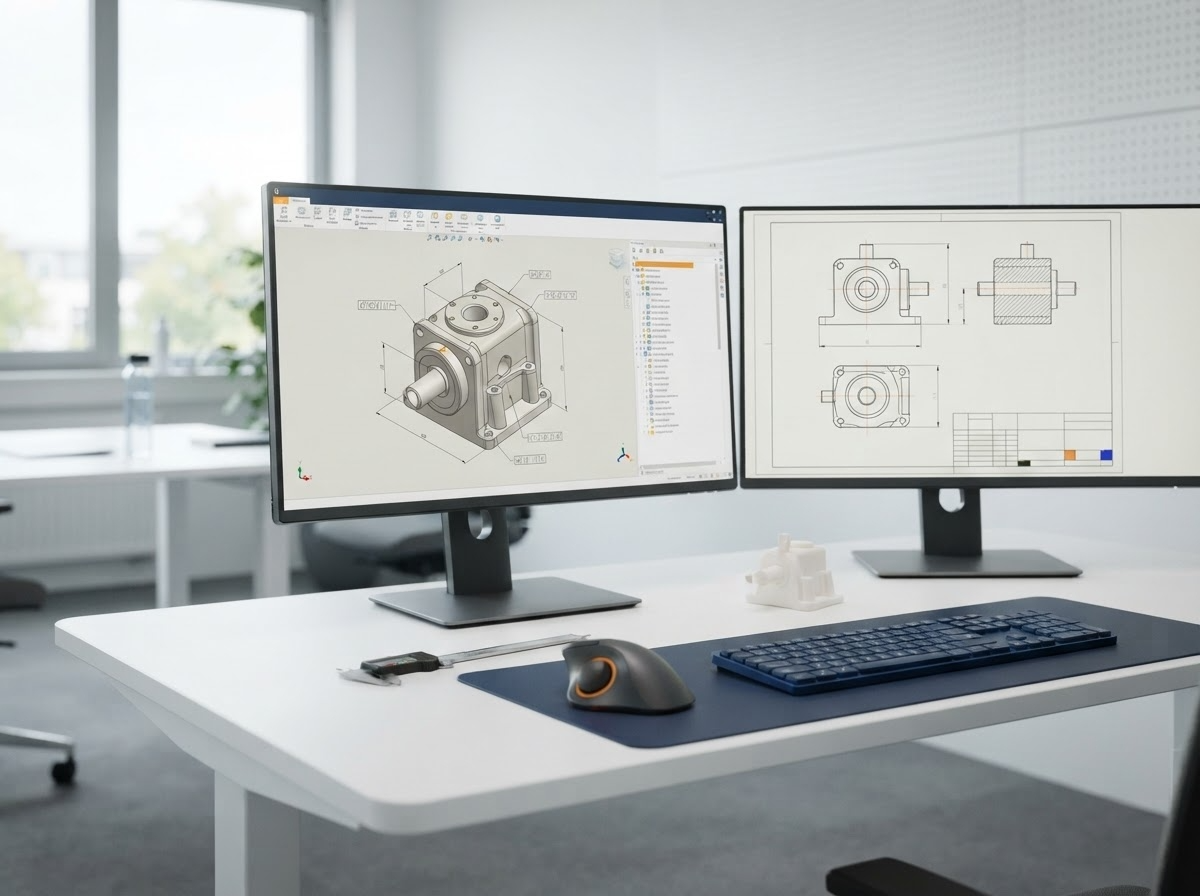
Automation machine design is exclusively a 3D process at Asset-Eyes. We utilize industry-leading CAD environments to guarantee compatibility and seamless translation to the factory floor.
Engineering Tools
1

SOLIDWORKS

SOLIDWORKS is used to develop mechatronics systems from beginning to end. At the initial stage, the software is used for planning, visual ideation, modeling, feasibility assessment, prototyping, and project management. The 3D modeling software is then used for design and building of mechanical, electrical, and software elements.
2

AutoCAD

AutoCAD is our primary design tool for controls engineering (electrical, fluid power) and the latest software versions are always utilized. We use the AutoCAD Electrical Toolset for the creation of controls drawings. The use of AutoCAD Electrical Toolset improves efficiency, reduces errors, and essentially creates a smart design package.
3

Additional Software Competence

For manufacturers standardizing on alternative platforms, our team maintains full functional design workflows in Autodesk Inventor and PTC Creo Parametric, ensuring full design history, parametric constraints, and drawing format compliance.

Resources

Let's Talk About Your Engineering Needs

Tell us where your team needs more capacity. We'll show you how our engineers can help.