Explore our advanced solutions for HVAC, Mechanical, Electrical, and Automation design. Get in touch today

AR/VR Visualization

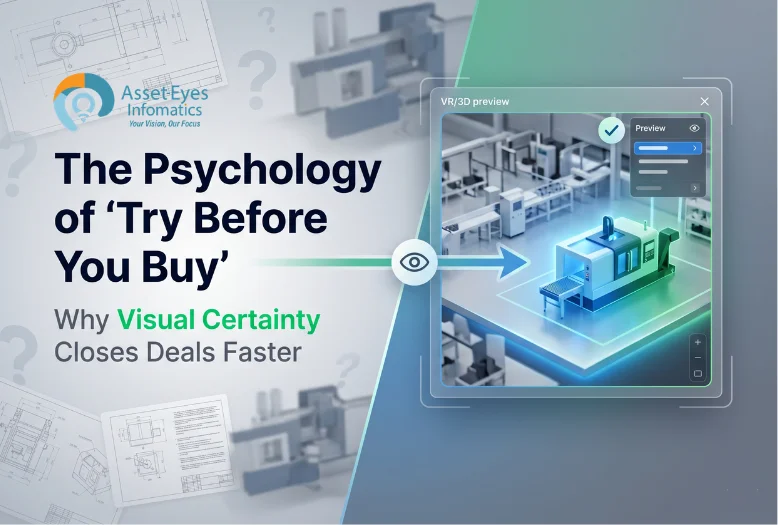
We transform CAD models into immersive experiences that validate designs before fabrication.

Specialized Engineering Services

Virtual Design Reviews

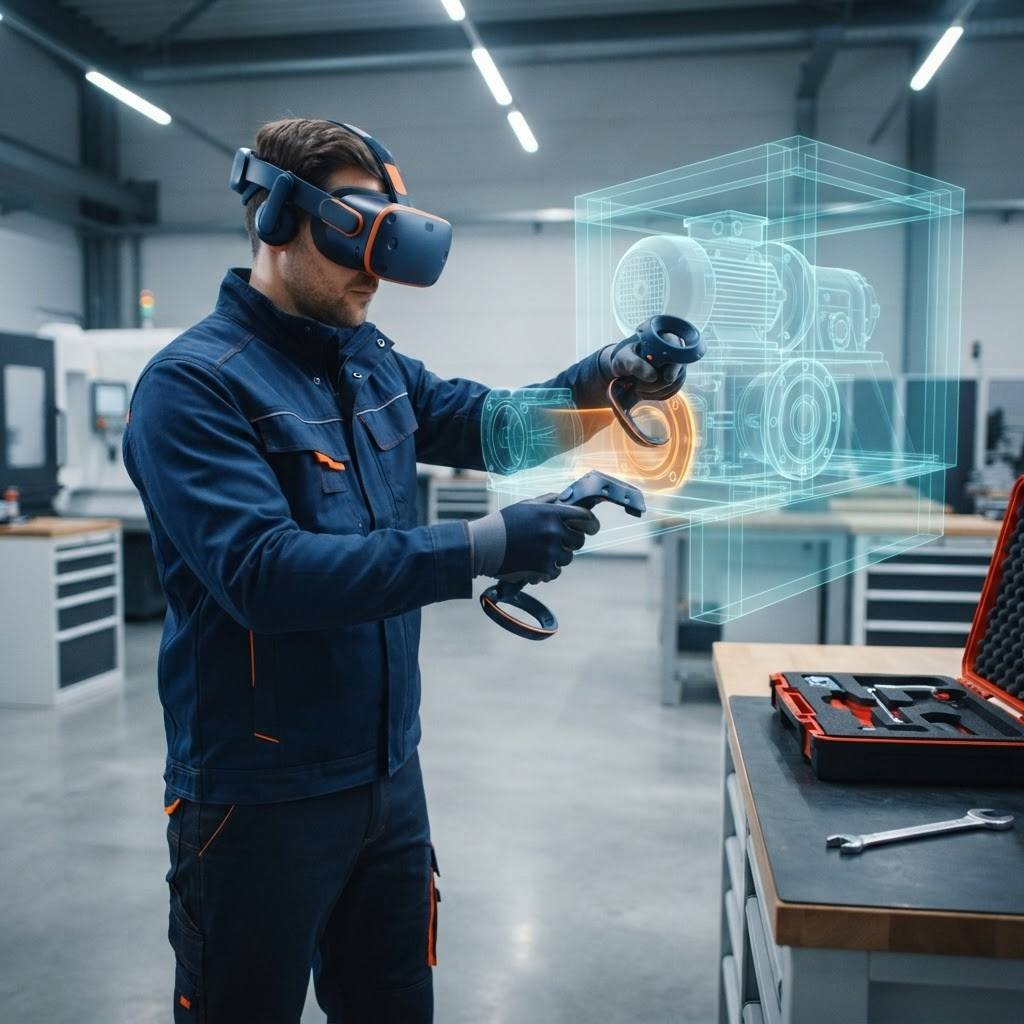
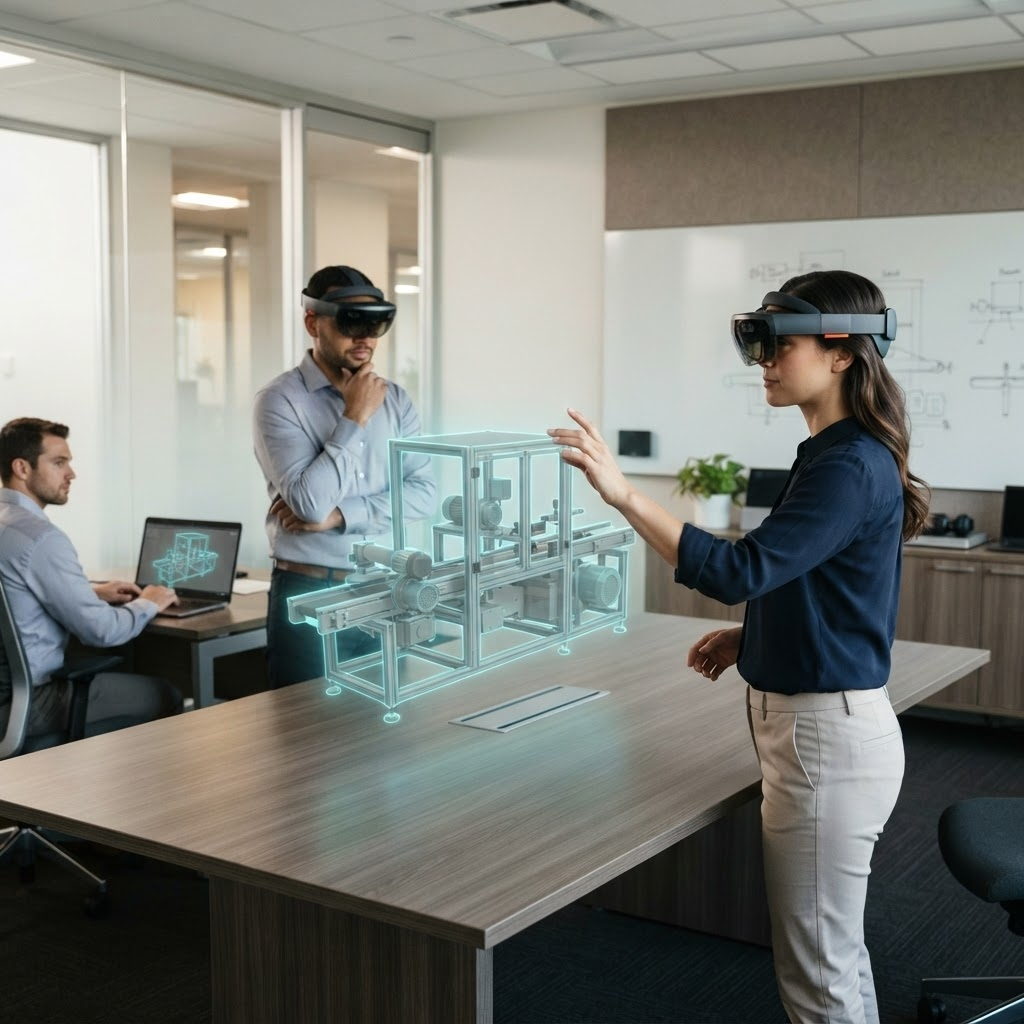
Asset-Eyes builds immersive VR walkthroughs of equipment and systems at full scale, allowing engineering teams and stakeholders to identify issues and accelerate approvals. These walkthroughs support multi-stakeholder collaboration within a shared virtual environment. 
Full-Scale VR Walkthroughs
Asset-Eyes builds immersive VR walkthroughs of equipment and systems at full scale. Reviewing a design at its actual physical scale surfaces issues that are easy to miss on a screen.
Faster Issue Identification and Approvals
Asset-Eyes' VR walkthroughs enable engineering teams and stakeholders to identify issues and accelerate approvals. Catching design issues during the review stage avoids the delays that come from discovering them later in fabrication or installation.
Multi-Stakeholder Collaboration in a Shared Virtual Environment
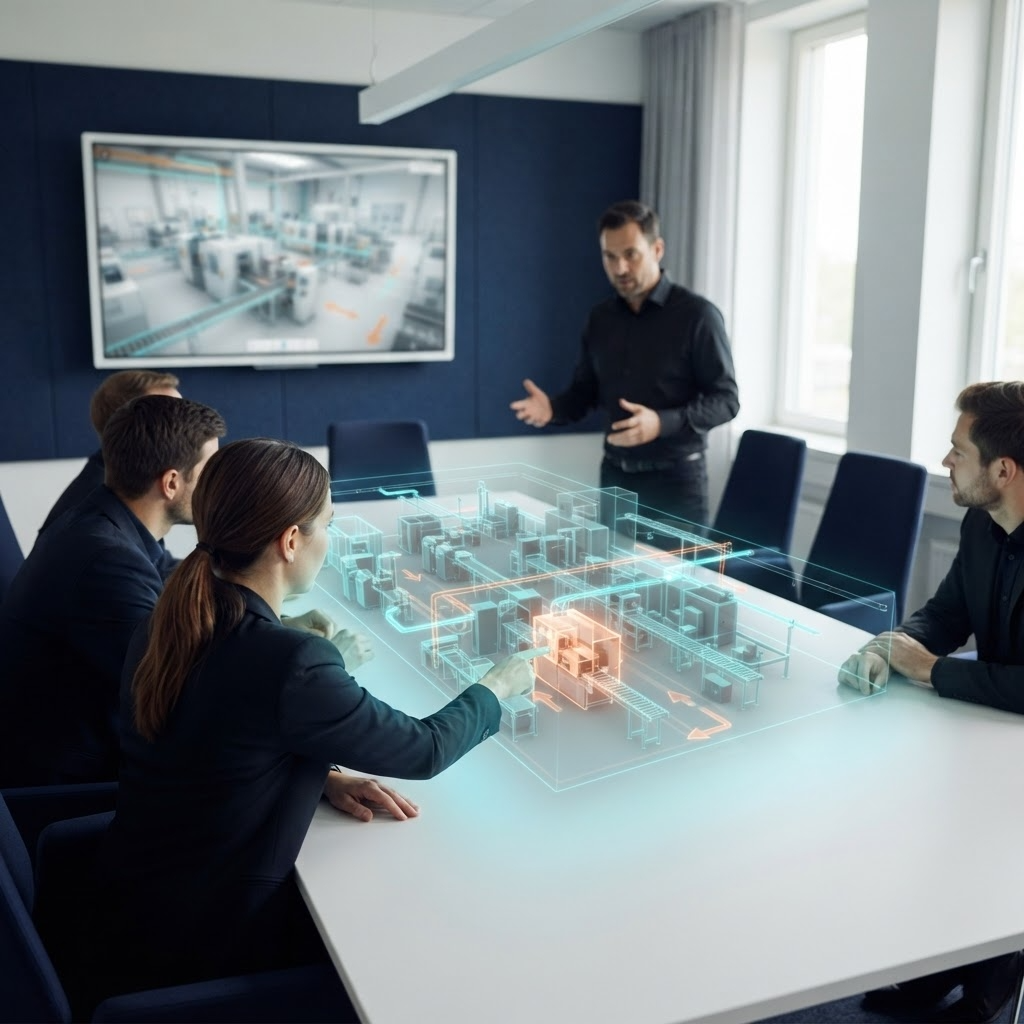
Asset-Eyes supports multi-stakeholder collaboration within a shared virtual environment during design reviews. This allows engineering, fabrication, and client stakeholders to evaluate the same design together in real time.
Virtual Design Reviews

AR Installation Guidance

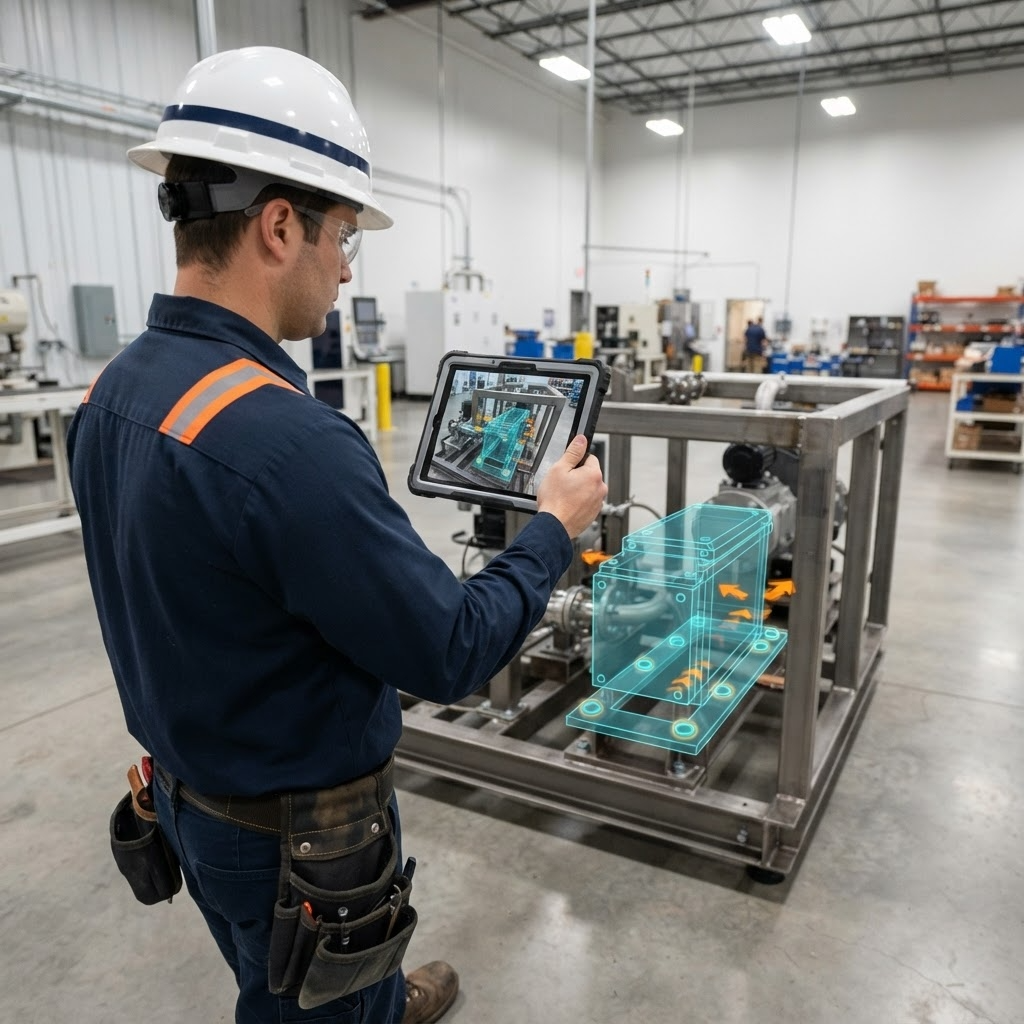
Asset-Eyes builds augmented reality applications that overlay digital assembly instructions, wiring diagrams, and component identification directly onto physical equipment. These applications are built to support installation and commissioning teams in the field. 

AR Overlays for Assembly, Wiring, and Component Identification
Asset-Eyes builds augmented reality applications that overlay digital assembly instructions, wiring diagrams, and component identification directly onto physical equipment. Field teams can see the relevant technical information layered directly onto the equipment they're working on.
Field Support for Installation and Commissioning Teams
Asset-Eyes builds AR installation guidance specifically to support installation and commissioning teams in the field. This gives field teams direct access to design documentation without needing to reference separate drawings or manuals.
AR Installation Guidance

Maintenance & Serviceability Validation

Asset-Eyes runs virtual simulations of service procedures to evaluate technician access, tool clearances, and component removal sequences. This validation happens during the design phase, before physical equipment exists.

Virtual Simulation of Service Procedures
Asset-Eyes runs virtual simulations of service procedures to evaluate technician access, tool clearances, and component removal sequences. This confirms equipment can actually be serviced as intended before it's built.
Validation Before Physical Equipment Exists
Asset-Eyes validates maintenance and serviceability during the design phase, before physical equipment exists. Identifying access or clearance problems at this stage avoids costly redesign after fabrication.
Maintenance & Serviceability Validation

Virtual Commissioning

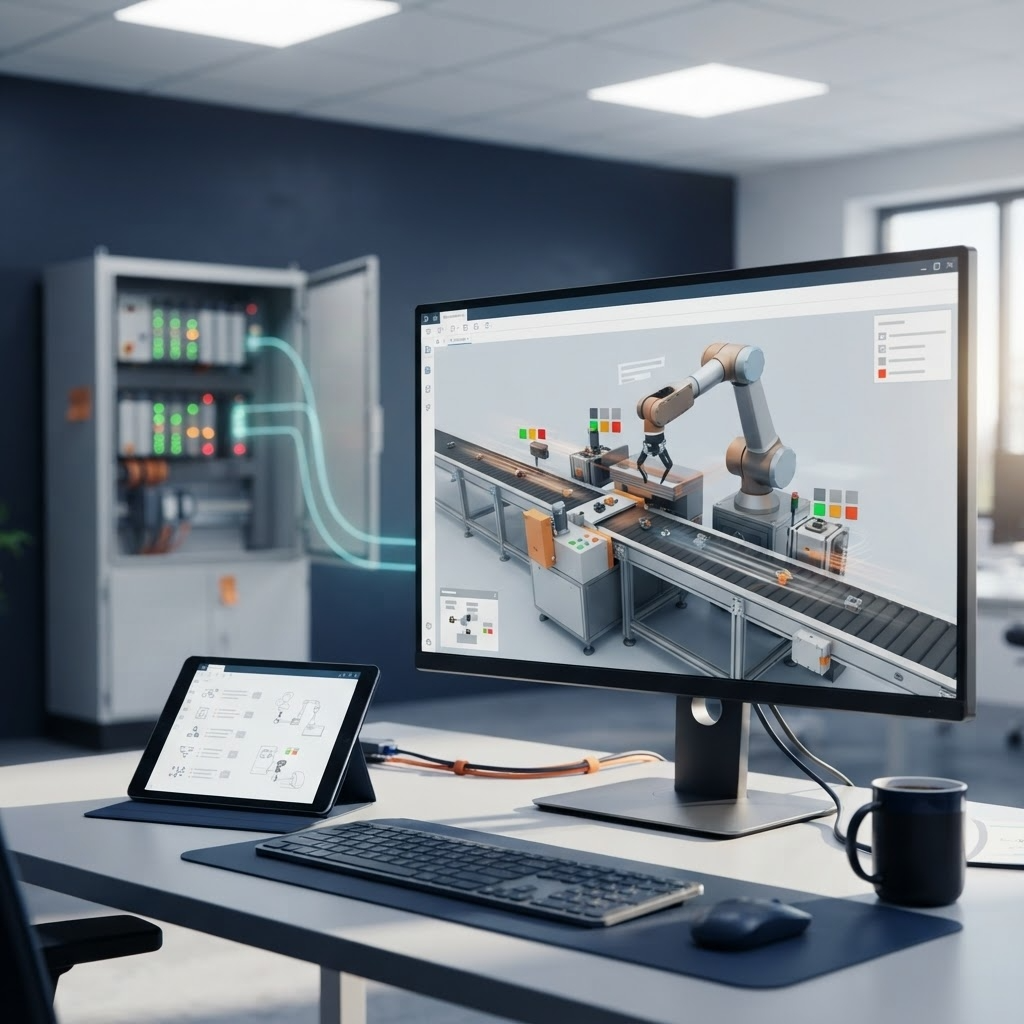
Asset-Eyes builds interactive environments for testing control sequences, safety interlocks, and operational procedures ahead of physical equipment availability. This approach reduces commissioning time and cost.

Interactive Testing of Control Sequences and Safety Interlocks
Asset-Eyes builds interactive environments for testing control sequences, safety interlocks, and operational procedures ahead of physical equipment availability. This allows control logic to be validated before the physical system is ready to test against.
Reduced Commissioning Time and Cost
Asset-Eyes' virtual commissioning work reduces commissioning time and cost by surfacing control and procedural issues before physical commissioning begins. Fewer issues need to be resolved once the physical equipment is on-site.
Virtual Commissioning

Training, Sales & Spatial Analysis

Asset-Eyes builds immersive VR training modules and AR-guided procedures for operators, installers, and service technicians, along with immersive demonstrations for sales and client presentations. Asset-Eyes also performs clash detection and spatial analysis to identify component interference and routing conflicts in virtual environments. 

VR Training and AR-Guided Procedures
Asset-Eyes builds immersive VR training modules and AR-guided procedures for operators, installers, and service technicians. These modules let personnel practice on equipment before working with the physical system.
Immersive Demonstrations for Sales and Client Presentations
Asset-Eyes builds compelling immersive demonstrations for sales and client presentations. These demonstrations let clients experience a design in an immersive format before it's built.
Clash Detection and Spatial Analysis
Asset-Eyes performs clash detection and spatial analysis to identify component interference and routing conflicts in virtual environments. This analysis catches spatial conflicts during design review rather than after fabrication.
Training, Sales & Spatial Analysis
Engineering Tools

Design Validation Before You Build

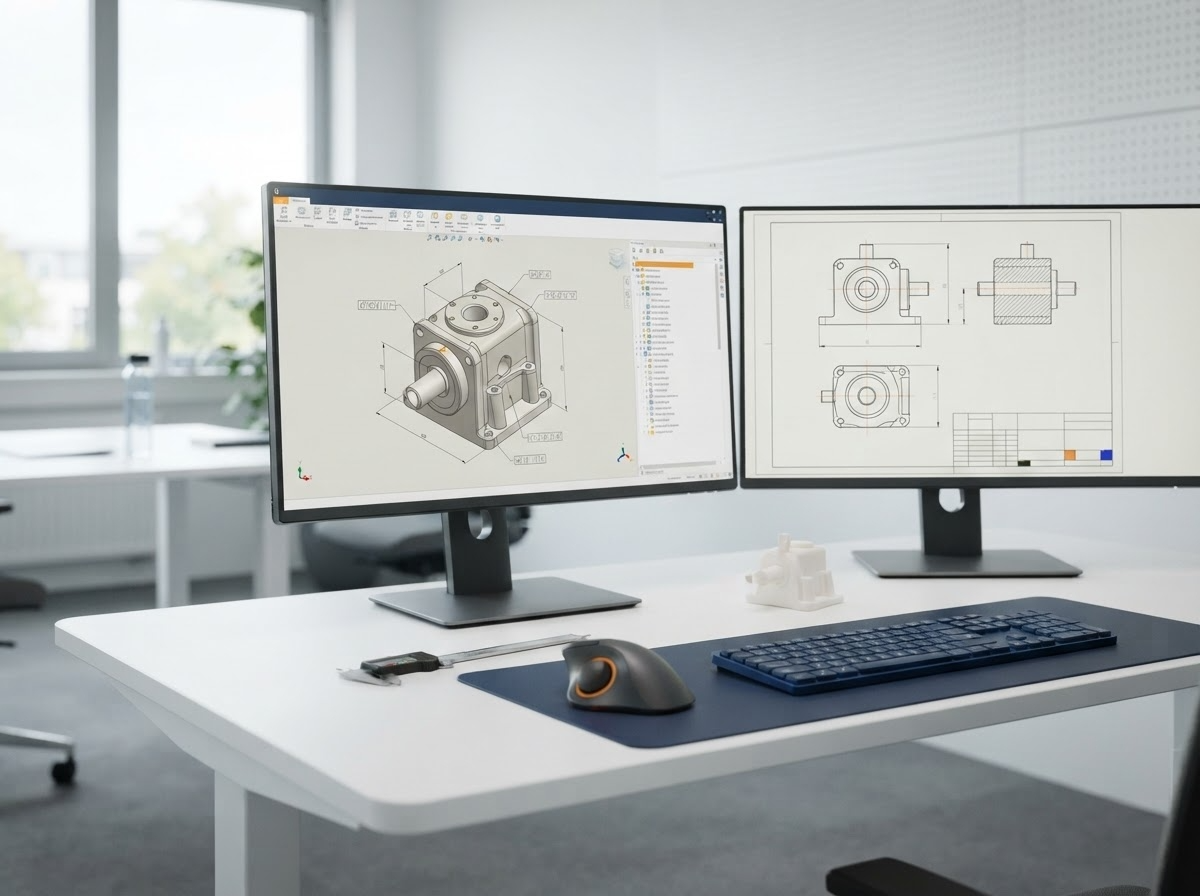
AR/VR visualization at Asset-Eyes turns production CAD files into interactive environments where teams walk through equipment designs and validate installation sequences before manufacturing. Design conflicts are caught in the virtual model, not on the factory floor.
Engineering Tools
1

Unity 3D

Unity 3D is used to build interactive AR/VR environments from production CAD models, supporting full-scale virtual walkthroughs and design reviews. The engine drives real-time rendering for equipment and system visualization before fabrication begins.
2

Unreal Engine

Unreal Engine is used for high-fidelity real-time visualization of equipment designs, supporting immersive walkthroughs and virtual commissioning environments. Its rendering capability supports detailed client presentations and stakeholder review sessions.
3

Meta Quest, HTC Vive & Microsoft HoloLens

Asset-Eyes develops for Meta Quest, HTC Vive, and Microsoft HoloLens to deliver both fully immersive VR walkthroughs and AR-guided overlays on physical equipment. Platform choice is matched to the use case — VR headsets for design review and training, HoloLens for AR installation and service guidance.
4

Blender

Blender is used for 3D asset preparation and optimization, converting CAD geometry into formats suited for real-time AR/VR rendering. This supports the CAD model optimization work behind every virtual walkthrough and training module.

Resources

Let's Talk About Your Engineering Needs

Tell us where your team needs more capacity. We'll show you how our engineers can help.